
The friendly CMS for hand-built sites
cmsspot connects to your HTML or PHP site over SFTP and turns it into clean, editable fields. Change text, images, menus and SEO in the browser, without touching the code.
No commitment. No card required.
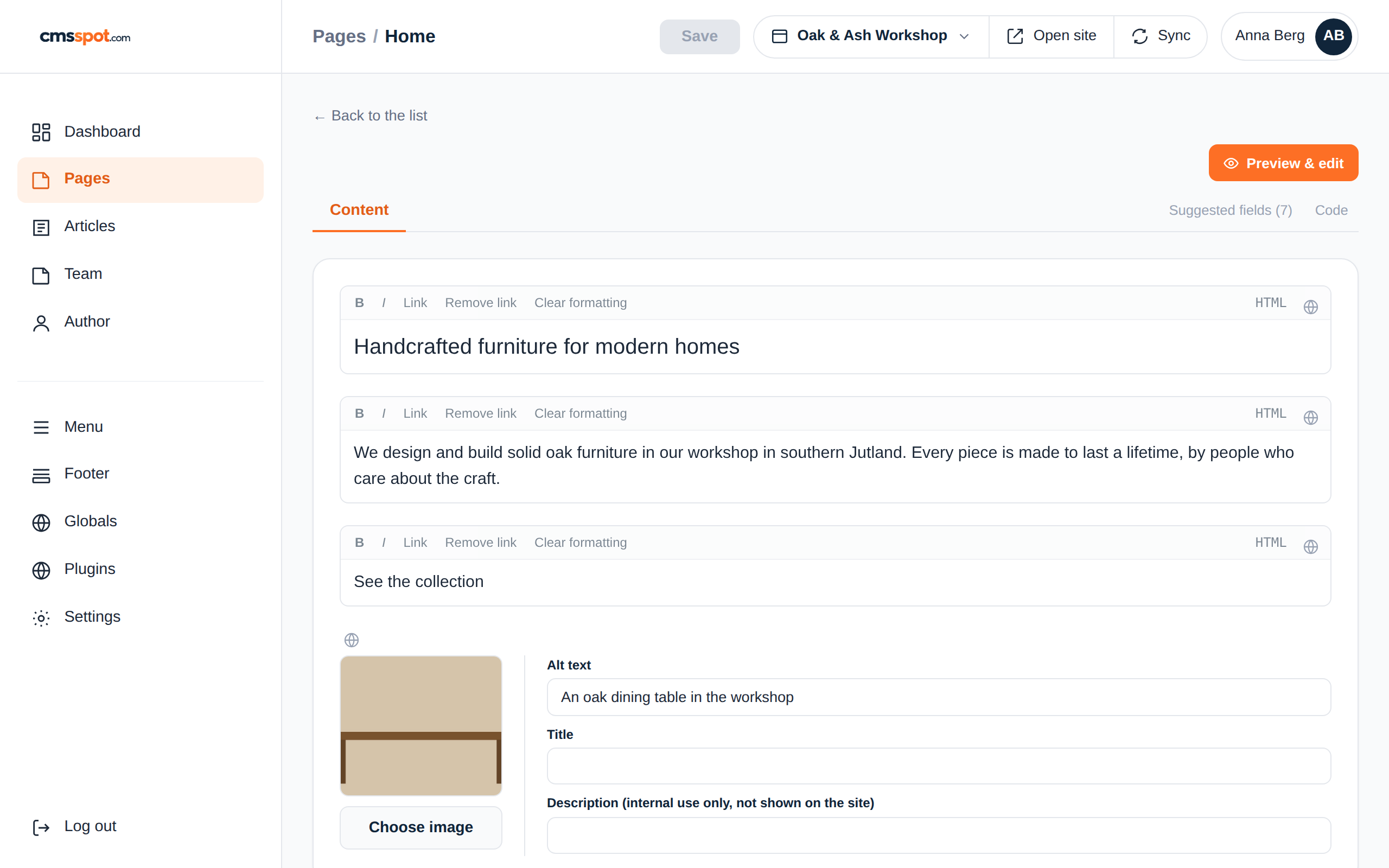
Dive into cmsspot
Everything you need to hand a website over to a client, without handing over the code.
cmsspot reads your headings, paragraphs, links and images automatically. Nothing to mark up first.
Only the fields you edit are written back. PHP, layout and everything else is left byte for byte.
Mark a phone number or a tagline as global and change it everywhere at once, across every page.
Give a client access to their own site only, with a login link. No FTP passwords, no risk to the code.
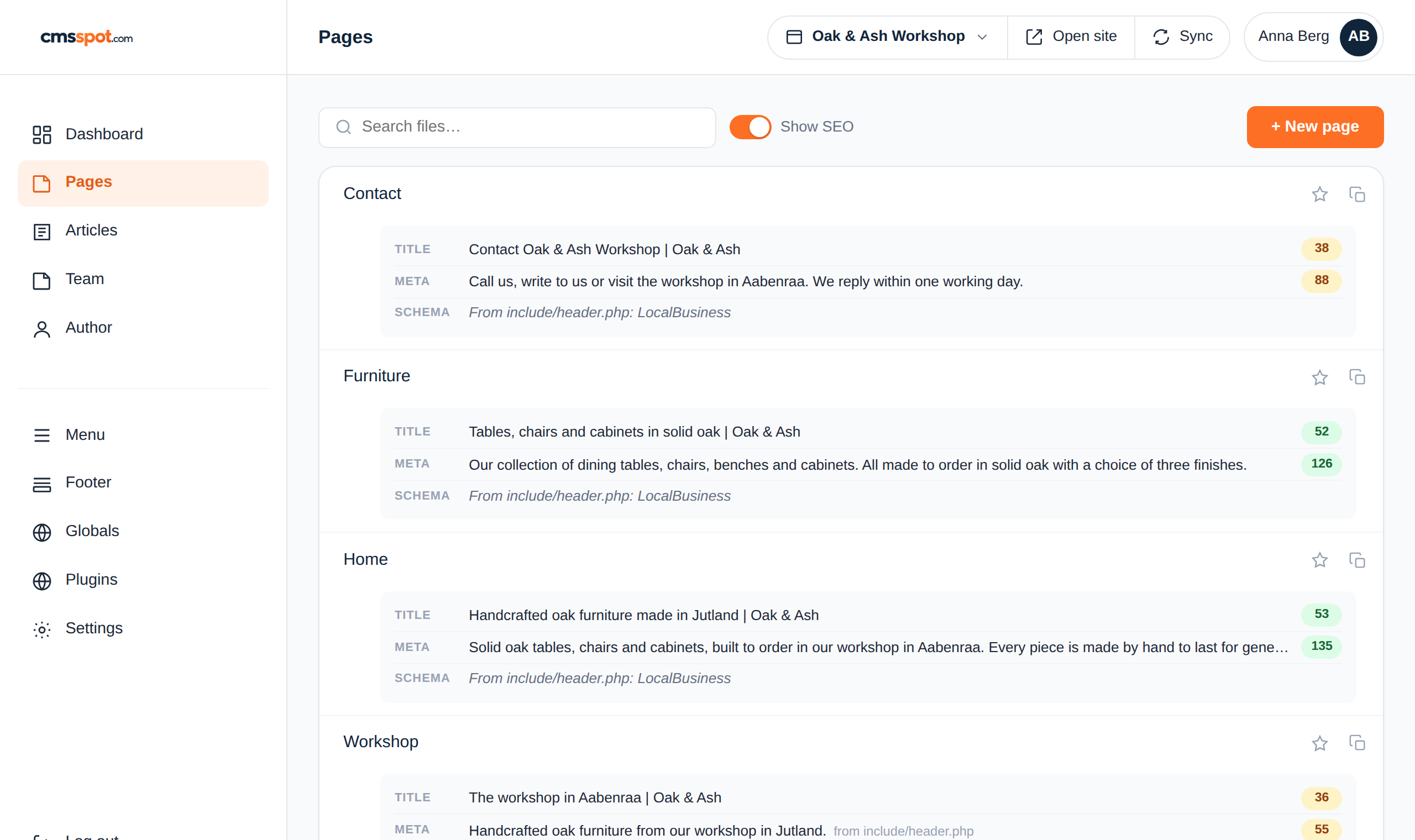
The features
Edit content, manage the menu, handle SEO and cookies and let an AI assistant help, all from one clean dashboard. See the full feature list or take a look inside.
Text and images become editable fields on their own, on any site.
Change shared content once and it updates across every page.
Edit navigation and shared areas in their own dedicated tabs.
Title, meta description, Open Graph and schema for each page.
Scan for trackers and add a consent banner with Consent Mode.
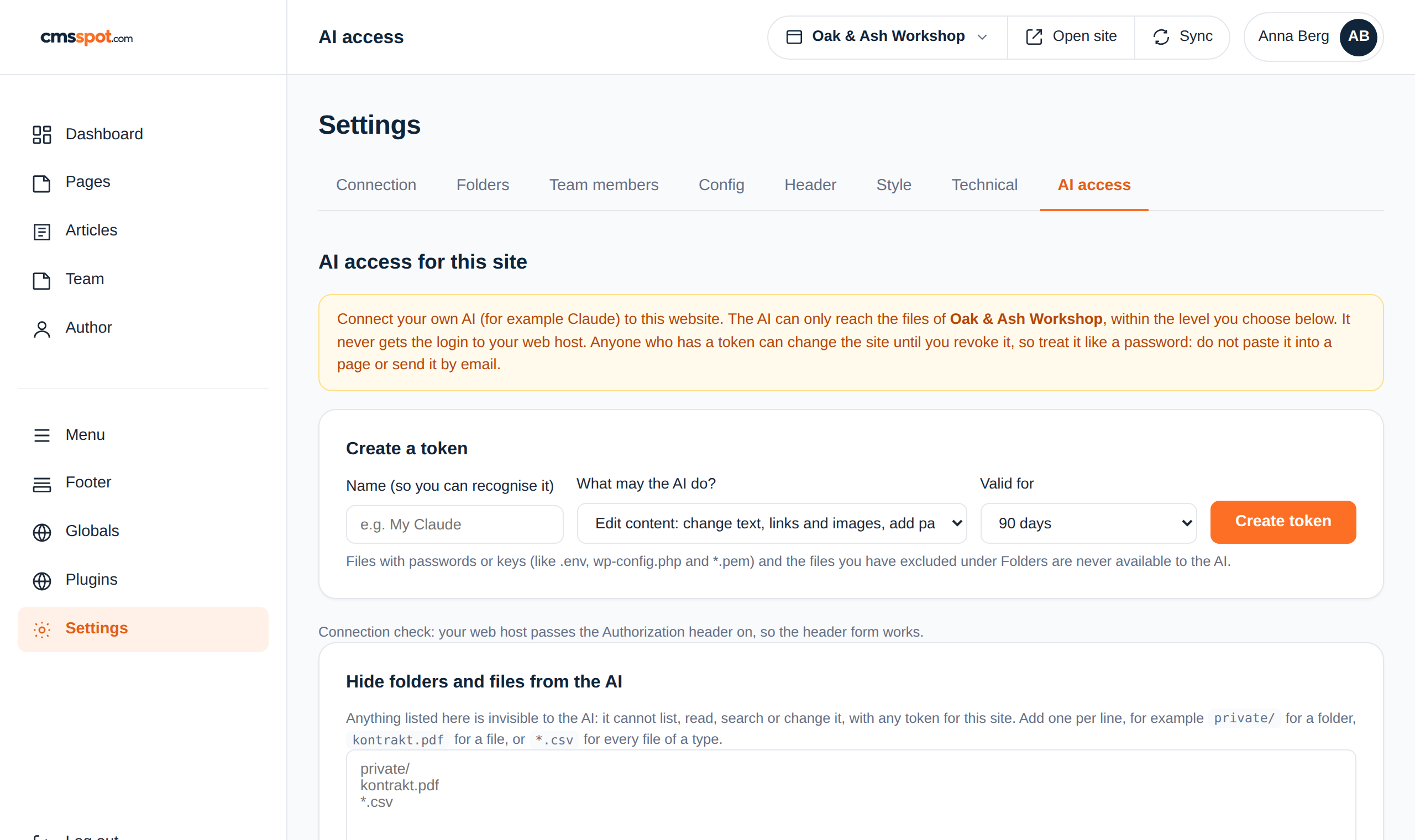
Connect Claude to one site with a scoped token. Three levels, hidden files, a log of every call.
All in one
A real CMS on top of files you already have. No migration, no rebuild.
cmsspot shows your content as fields and writes only what you change back to the server. The rest of the file is never rewritten.
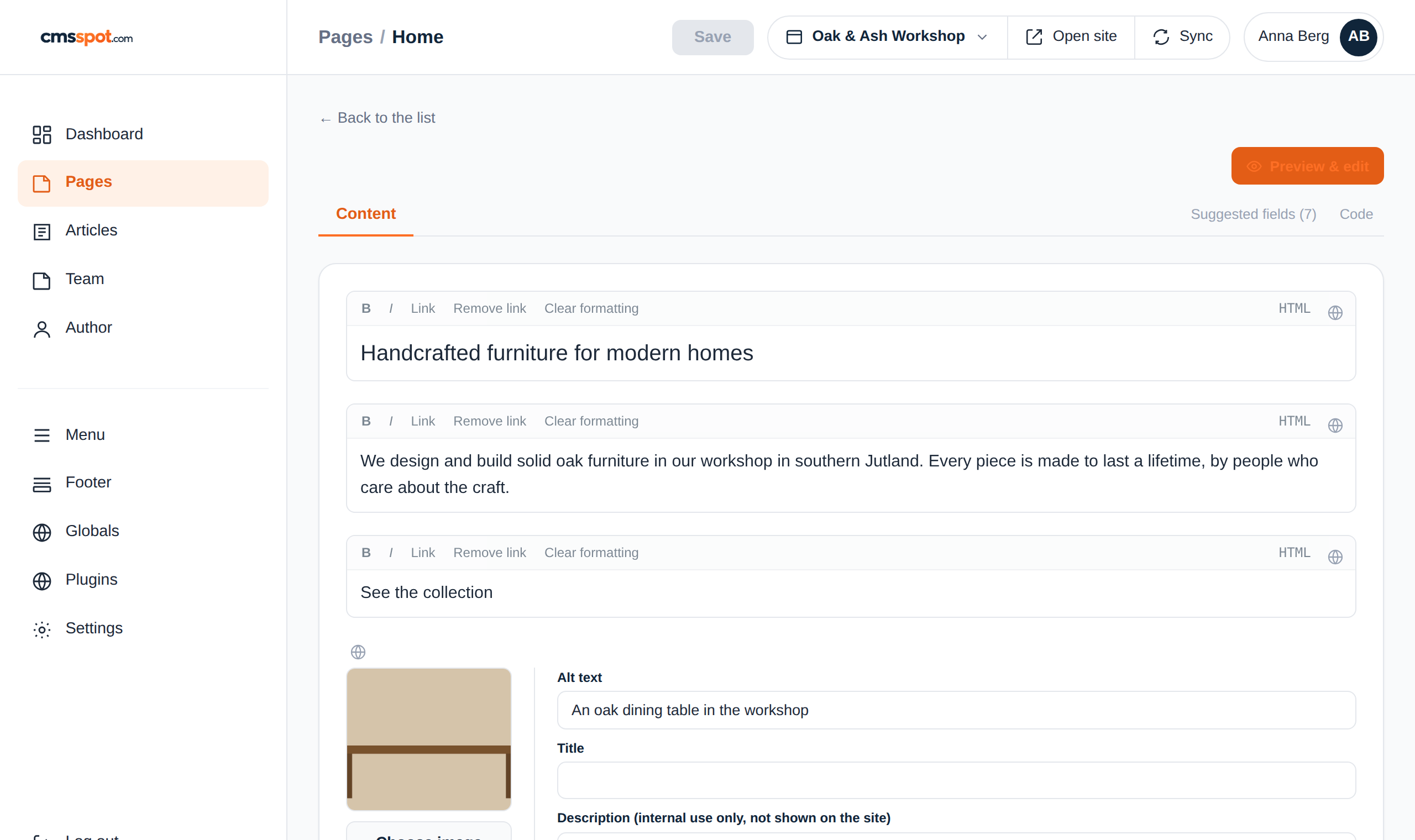
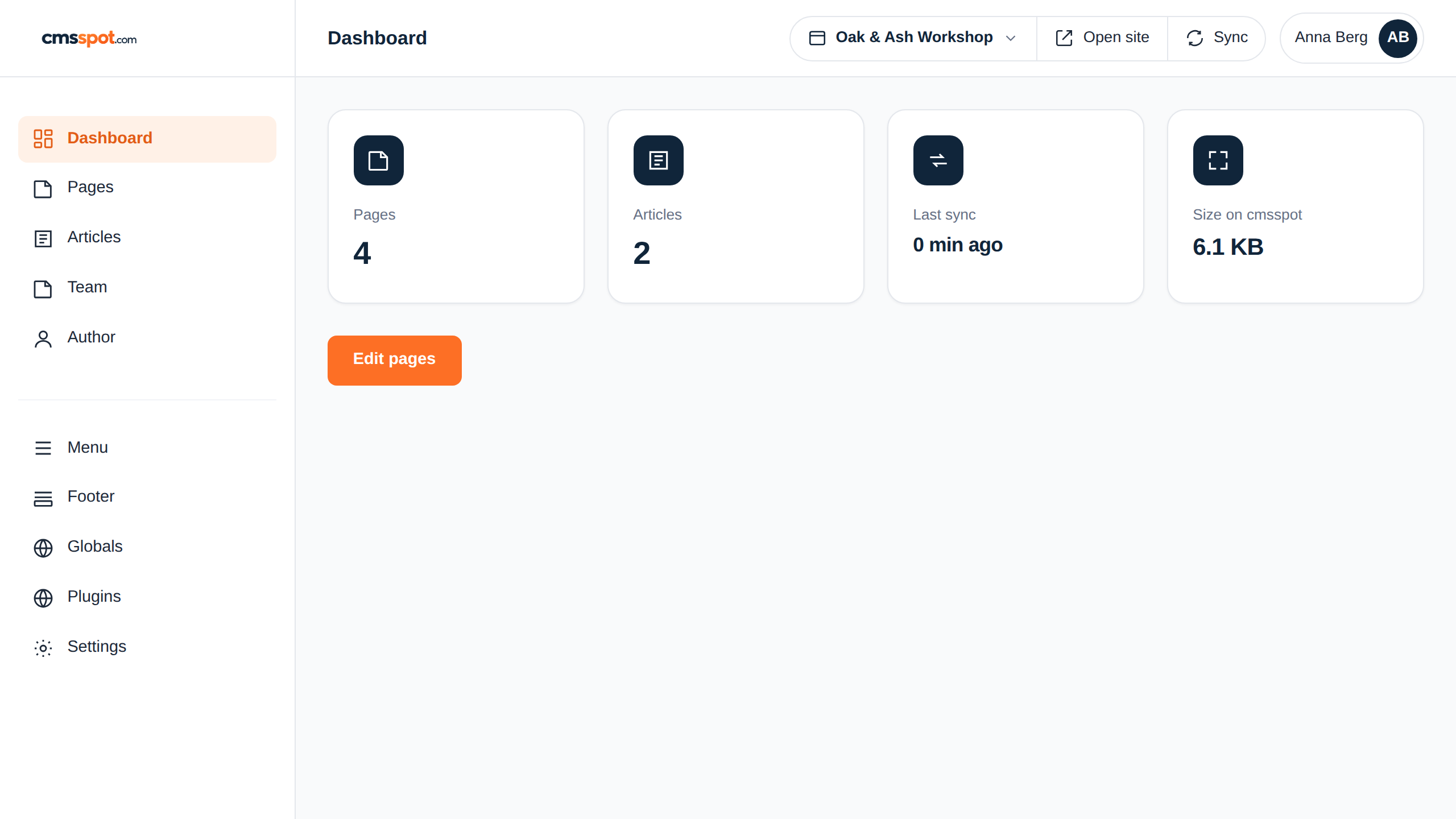
Pages, articles, the menu, cookies and technical files, all in one place. See the site's size and any security warnings at a glance.
cmsspot never runs your files, it reads them as data. Each site is isolated, and an AI assistant can be given a token for one site at the level you choose.
Works with what you have
cmsspot sits on top of your existing site and hosting. Point it at your server and go.
In use
cmsspot lets us hand a finished site to a client and let them edit the text themselves, without giving them access to the code or worrying they break something. It fits the way we already build sites.
How it works
Three steps from a finished site to a client who can edit it themselves.
Point cmsspot at your server. It fetches a copy of the site to work from.
Text, images, menus and SEO become fields. Change what you need, save.
Only your changes are written to the server. The code is left exactly as it was.
Compare
A hand-built site has no database, no plugins and nothing to update. cmsspot adds the editing without adding weight. See how it compares.
FAQ
If your site is built in HTML or PHP and you can reach it over SFTP, cmsspot works with it. There is nothing to install on your server and no rebuild.
No. cmsspot finds headings, paragraphs, links and images on its own. You can still add a data-key if you want a field to stay stable across big layout changes, but it is optional.
No. cmsspot writes back only the fields you actually change. PHP blocks are locked, and the rest of the file is left byte for byte.
cmsspot never runs your files, it reads them as data. Each site is kept separate, and you can exclude files with passwords or secrets before anything is fetched.
Yes. Give a client access to their own site with a login link. They edit fields in the browser and never see FTP passwords or the underlying code.
Get started
Connect a site, edit a page, see how little it touches. Free to start.